






LILY P4D is a game changer. I've always had a tough time hearing myself over the drums and amps on stage. LILY P4D helped me regain control and has given me the clarity I need to perform at my best. It's an essential part of my stage rig. LILY P4D is an absolute must have for any singer!"

Absolutely love it! Great customer service and the product is exactly as described.

LILY P4D is an absolute game changer. If you’re using any sort of Optogate or switches for your mics, go ahead and sell them. LILY P4D is so easy, so smooth... it's just absolutely perfect.”
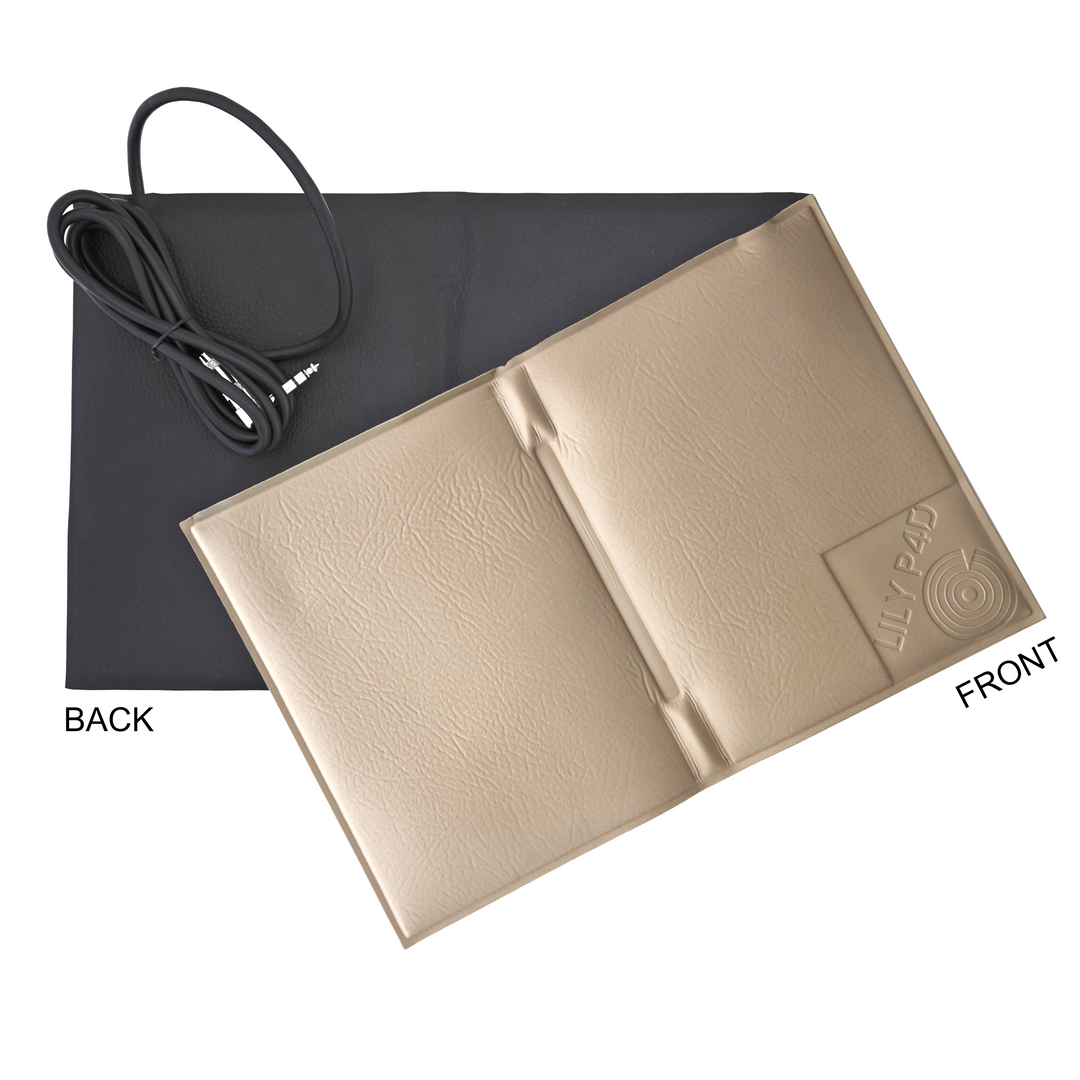
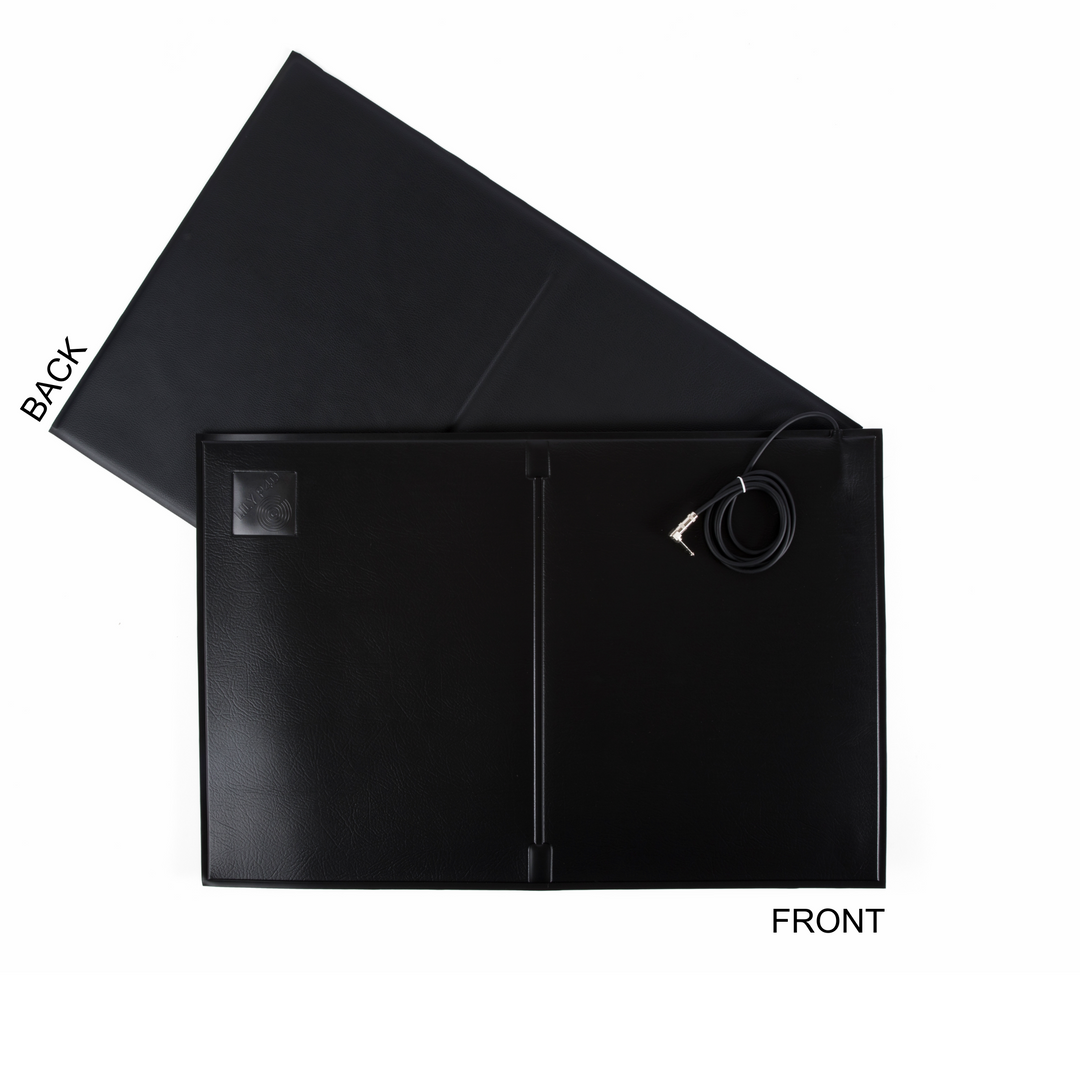
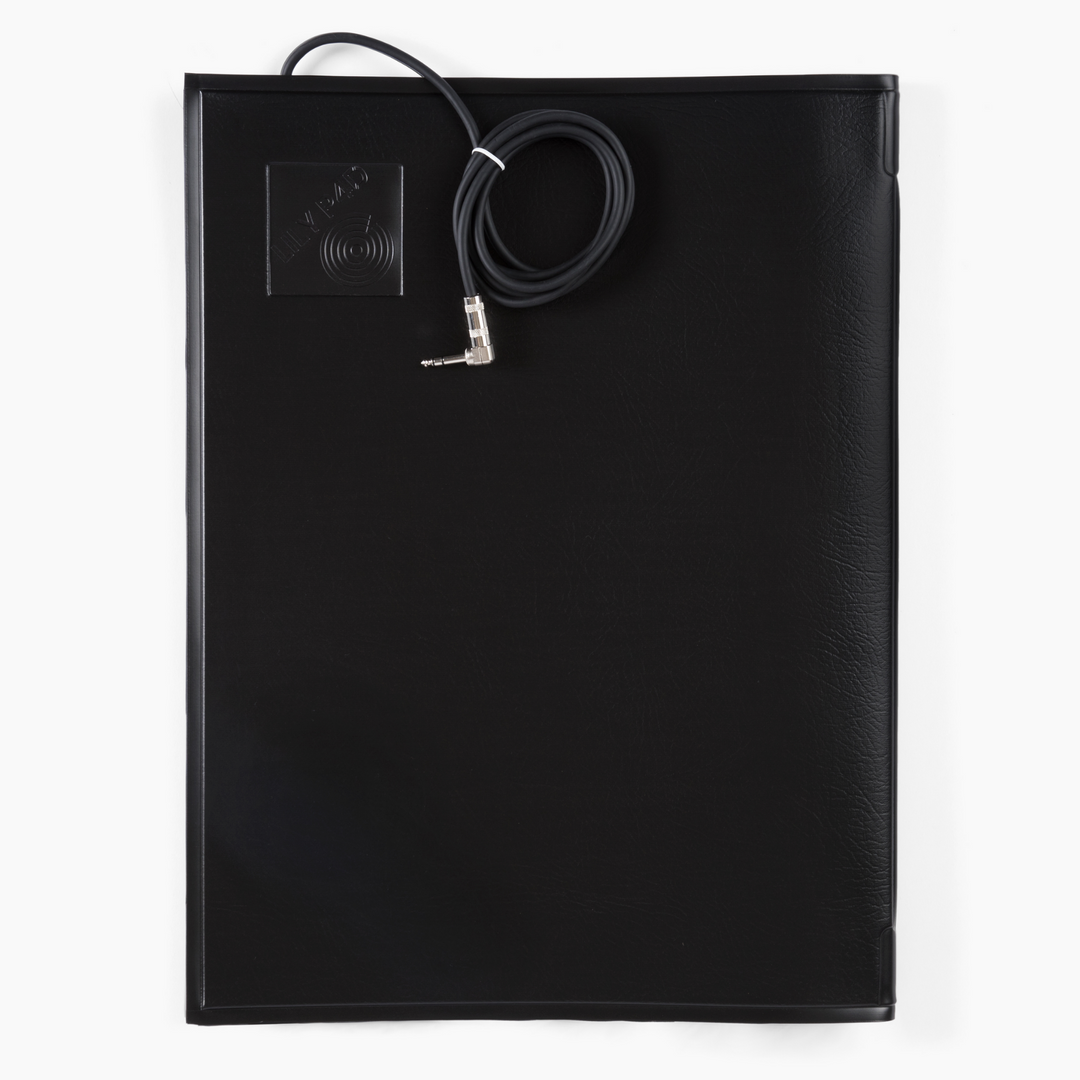
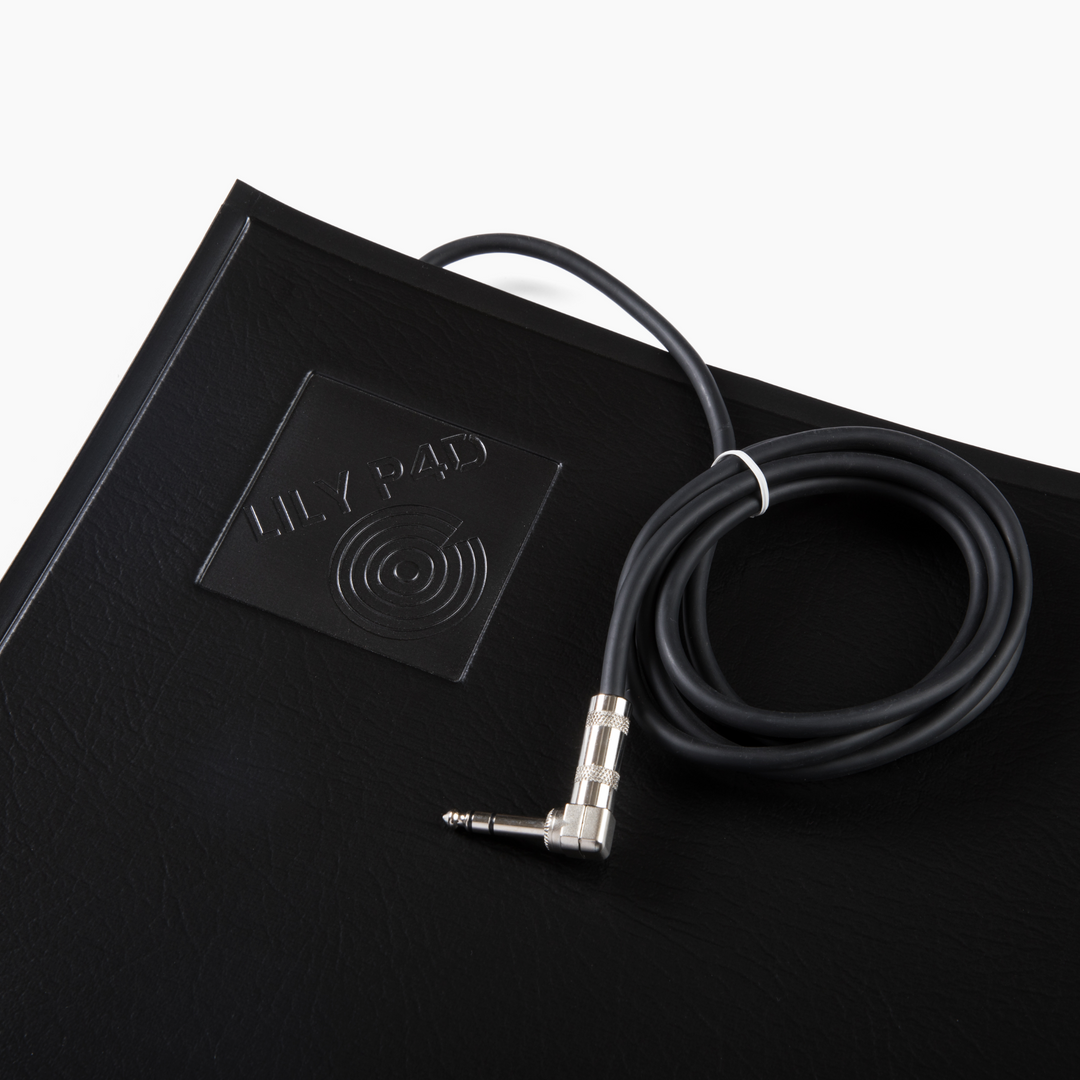
When you step on the pressure-sensitive pad, your mic is activated. When you step off the pad, your mic will mute, reducing bleed and background noise. You can choose mute settings of light, medium, or heavy to fit your needs. Check out our expected gain reduction chart in our user manual.
Yes! LILY P4D works with all types of microphones including dynamic, condenser, and ribbon microphones. It can also be used with wireless microphones. LILY P4D works with any balanced mic signal, giving you maximum flexibility for any live sound setup.
LILY P4D offers a more natural and intuitive solution for mic control. Unlike traditional microphone gates that rely on sound sensitivity or optical sensors, LILY P4D uses a pressure-sensitive pad, allowing you to activate or mute the mic by simply stepping on or off the pad. This eliminates issues like misfires from head movements, lighting interference, or unwanted sensitivity adjustments. The result is smooth, reliable muting that keeps your mix clean; giving you total control without sacrificing sound quality.
Setting up LILY P4D is quick and easy:
Step 1: Connect the LILY P4D to your microphone and your mixer or snake with XLR cables.
Step 2: Connect 9V power from your pedal board or the included 9V power supply.
Step 3: Connect the pressure-sensitive pad to the P4D input.
Now you have full control over your mic by simply stepping on and off the pad. For more details, check out Setting Up LILY P4D.
If you have a complicated setup, please contact us here, and we will connect you with our engineers who have customized setups for The Eagles, Weezer, Lainey Wilson, Breaking Benjamin, and more.
Yes, LILY P4D can be powered directly from your pedalboard’s 9V supply, making it a convenient addition to any setup without requiring additional power sources.
Yes, LILY P4D allows you to adjust the mute level with three options: Light, Medium, or Heavy. The exact dB reduction varies depending on the microphone you’re using, but we provide a detailed document in our user manual. for even more specific information. This flexibility ensures you can fine-tune the level of mic mute to fit your setup perfectly.


